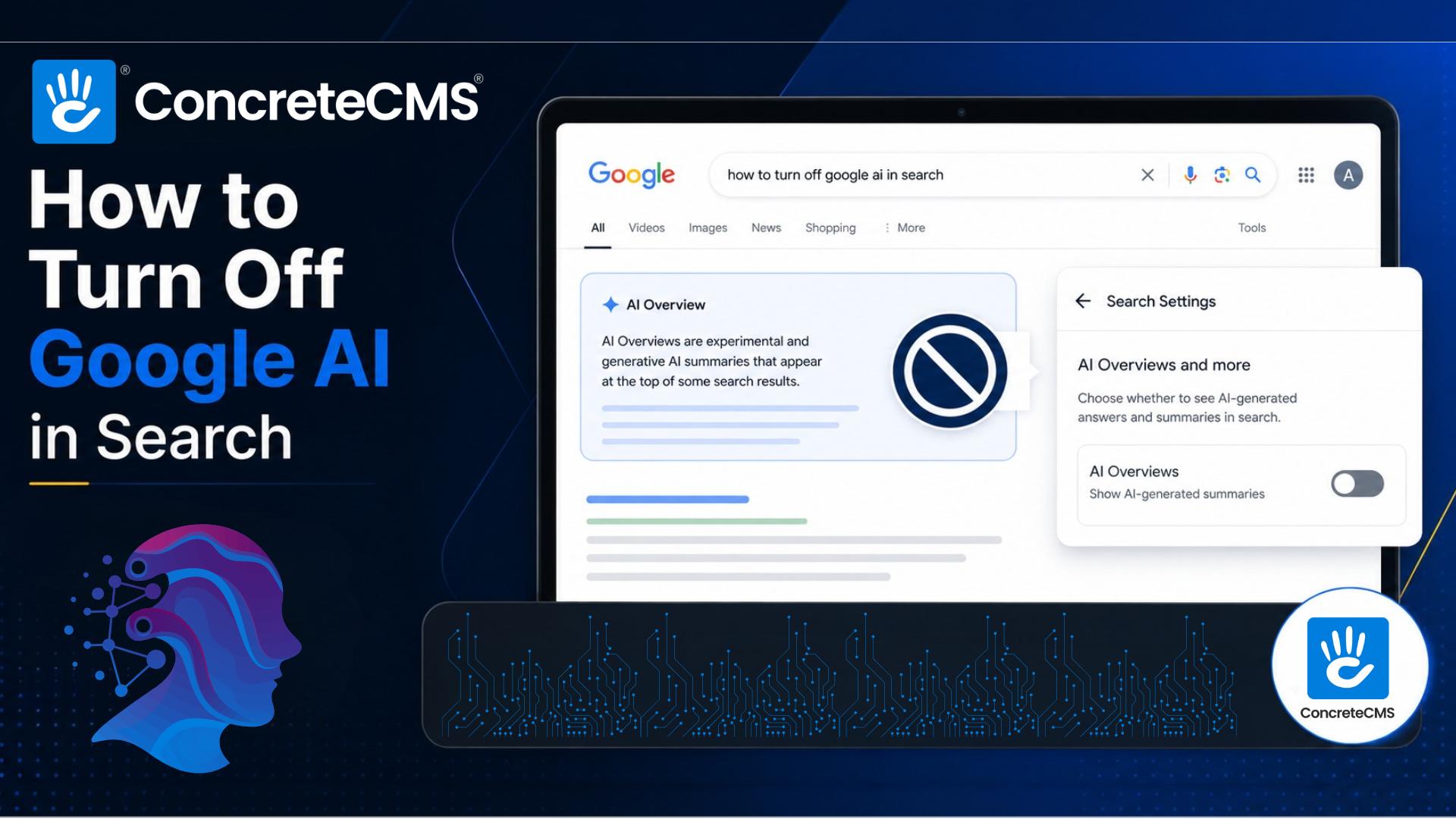
If Google AI Overviews are getting in your way, here is the fastest fix I have found: add -AI to the end of any search query and the summary disappears.
It is technically a workaround rather than an official setting, but it works reliably and I have been using it constantly. Google's own Search Labs documentation references it if you want to read more. No extensions, no settings, no browser tricks. Just type what you were going to search, throw -AI on the end, and you get traditional results.
Search flush dns -AI instead of flush dns. Search best CMS for enterprise -AI instead of the plain version. Works on desktop and mobile, in any browser, every time.
Other Ways to Turn Off Google AI Overviews
If you want something more permanent, you have a few options. The "Web" tab that appears in Google's filter bar after any search removes AI Overviews for that result with one click. On desktop, you can set up a custom search engine in Chrome: go to Settings, then Search Engine, then Manage Search Engines, and add a new entry with this URL:
https://www.google.com/search?udm=14&q=%s
Set it as your default and every search goes straight to traditional results. When Chrome runs your search it replaces the %s with whatever you typed, so searching "flush dns" becomes https://www.google.com/search?udm=14&q=flush+dns and "best cms for enterprise" becomes https://www.google.com/search?udm=14&q=best+cms+for+enterprise. No AI Overview, every time, automatically. The "Hide Google AI Overviews" Chrome extension does the same thing with no configuration required if you would rather not touch browser settings.
There is no official account-level toggle. Google removed that option from Search Labs for most users in 2026. The workarounds above are what you have got, and they work well enough.
Now, the Other Side of This
If you manage a website, here is something worth sitting with before you tune AI Overviews out entirely.
About half of all Google searches now show an AI Overview at the top of the results. That summary appears before any traditional links. The sites cited in it get visibility that sits above everything else on the page, and those citations are not reserved for big brands or high-authority domains. Any well-maintained site with clear, trustworthy content can get cited.
We know because it has been happening to us. Concrete CMS has been showing up in Google AI Overviews for searches like "favicon dimensions," "flush DNS," and "color blind colors," cited alongside the University of California San Diego, the Netherlands Cancer Institute, and Epic Games. We did not run a campaign to make that happen. We just had clear, well-structured content on those topics and Google's AI decided it was worth citing.
The formula is not complicated. Answer specific questions directly. Use proper headings. Keep content current. Maintain a site that Google can trust. That is what gets you cited, and it is the same thing that has always made a good website good.
We wrote up the full story, including the screenshots and what we think it means for content strategy, in our post on how Google AI Overviews are citing Concrete CMS alongside universities. Worth a read if you are thinking about how AI search is changing what it means to have a well-maintained site.