
Wireframing is one of those steps that sounds optional until you have shipped something without doing it and spent two weeks undoing decisions that a thirty-minute sketch would have caught. Whether you are planning a public-facing marketing site, a compliance-heavy government portal, or an internal intranet, getting your structure right before you touch the CMS saves everyone real time.
New to wireframing? Start with our Wireframing 101 guide for a primer on fidelity levels and what a good wireframe needs to contain before you open any tool.
Why wireframing matters before you build in Concrete
Concrete CMS ships with a lot out of the box: permissions, workflow, multilingual support, calendars, and a page hierarchy that reflects your site structure directly. That is a real strength, but it means the decisions you make during planning have downstream consequences. A page tree that is not thought through becomes a permissions model that does not quite fit. A navigation structure that was never sketched becomes a sitemap that nobody loves.
Wireframing is not extra work. It is the step that makes all the subsequent work faster. It also gives your content contributors, developers, and stakeholders something concrete to react to, which is more productive than everyone imagining a different version of the same site in their heads.
How AI is changing the wireframing game
A year or two ago, wireframing was almost entirely a visual discipline. You opened a canvas, you dragged boxes around, and you hoped whoever was looking at the result could imagine the finished thing. Getting a non-designer to produce something usable took real effort.
AI tools have changed that dynamic considerably. You can now describe a site in plain language and get back a structured layout, a page hierarchy, a list of content types, or a rough HTML mockup in seconds. The bottleneck has shifted from "how do I make this visual" to "do I know what I want to build." That is a much more useful place for the bottleneck to be.
For teams building with Concrete CMS, this is particularly valuable at the information architecture stage. Describing your organization, your audiences, and your content goals to an AI and letting it help you map those to a page tree and permission structure is faster and often more rigorous than starting from a blank canvas. You still need a designer to take it the rest of the way, but the early thinking gets done much more quickly.
The practical upshot: AI tools are best at the fuzzy front end of the process, when you are still figuring out what you want. Purpose-built design tools like Figma and Penpot are still where you go once the structure is settled and you need precision, components, and handoff. Use both.
The tools
Claude
Claude is not a canvas. It does not give you a grid to drag components around on. What it does is help you think through your site structure before you open any design tool, which turns out to be the most valuable part of the process for a lot of teams.
Describe what you are building, who it is for, and what they need to do on the site. Claude will help you map out page hierarchy, content types, navigation structure, and user flows in a conversation. Ask it to produce a rough HTML wireframe and it will give you something functional enough to share with a developer or stakeholder as a starting point.
- Conversational page hierarchy and sitemap planning
- Content type and permissions mapping for Concrete projects
- Rough HTML wireframe output you can paste into a browser
- User flow and navigation structure recommendations
- Iterative refinement through back-and-forth conversation
Free tier available, Pro is $20/mo at claude.ai.
ChatGPT
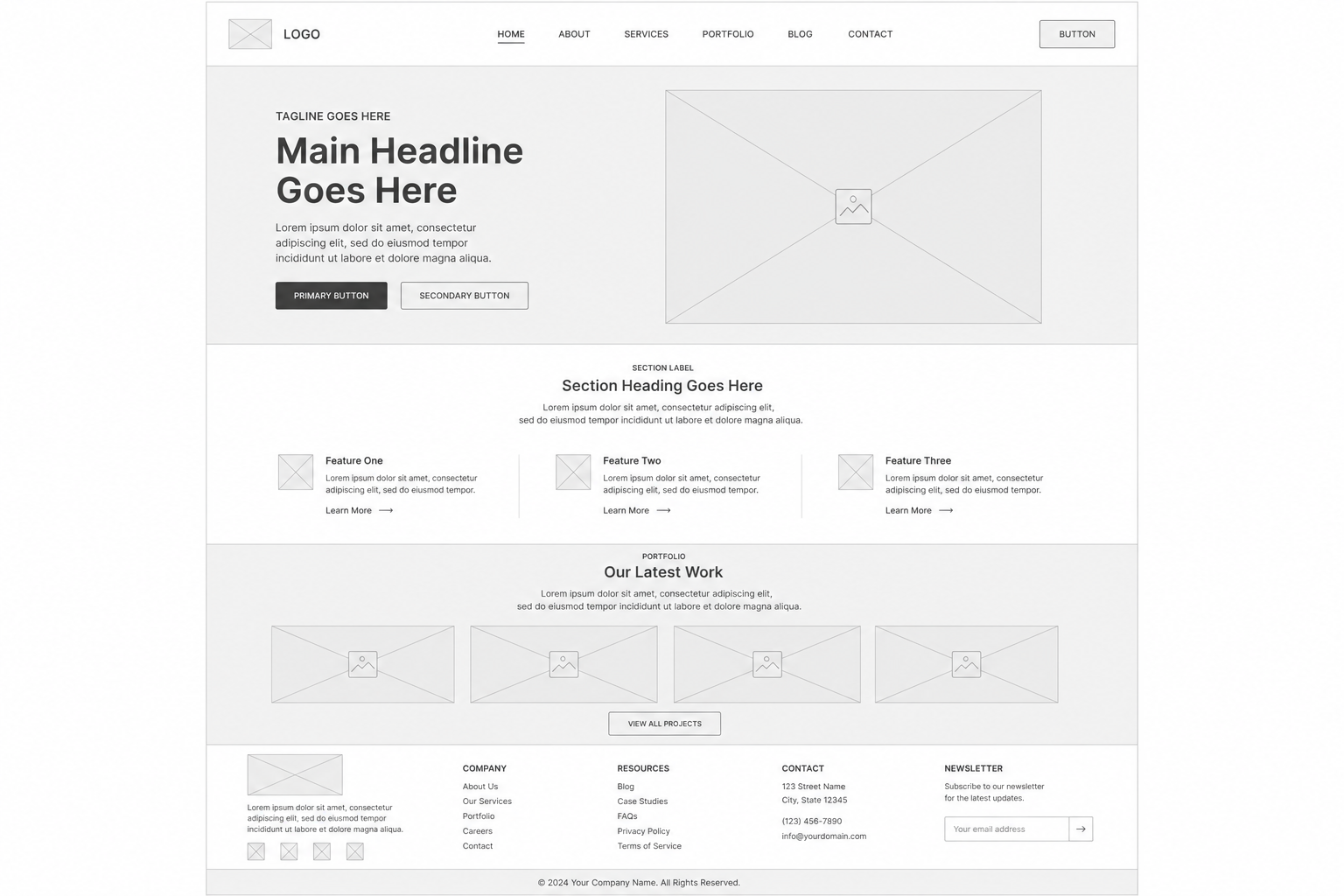
ChatGPT covers similar ground for early-stage planning. Where it has a distinctive advantage is image generation: you can prompt it to produce a rough visual mockup of a page layout, which gives you something more immediately visual to react to than a text outline. The generated images are not pixel-accurate wireframes and you would not hand them to a developer as a spec, but for quickly testing whether a layout idea works or generating something to show a stakeholder who needs to see a picture before they can give useful feedback, the image output is genuinely handy.
- AI-generated visual mockups via image generation
- Sitemap and content structure planning through conversation
- Plugin integrations with design tools depending on your stack
- Quick layout variant exploration from a single prompt
- Code output for basic HTML wireframe skeletons
Free tier available, Plus is $20/mo at chatgpt.com.
Figma
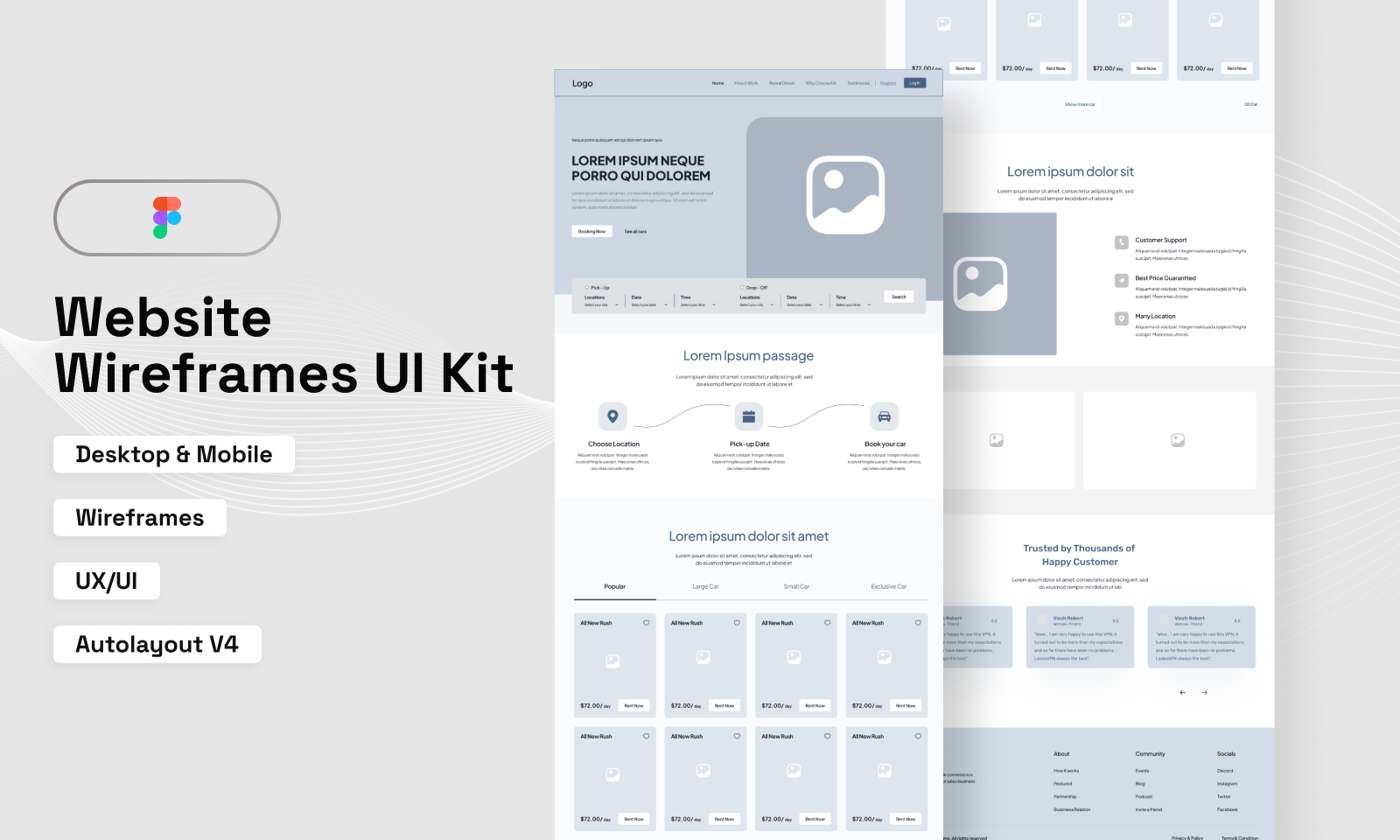
If you work with a professional designer or are one yourself, Figma is almost certainly already in your workflow. It handles the full spectrum from rough low-fidelity layouts all the way to interactive prototypes with developer handoff built in. For Concrete projects, Figma is the right tool for the design phase after your information architecture is settled. Build your page structure in Figma, get stakeholder sign-off, then build it in Concrete. The main limitation is the learning curve for non-designers, for whom Canva or an AI tool is a better starting point.
- Low-fi to high-fi wireframes on a single canvas
- Reusable component libraries and UI kits
- Interactive click-through prototypes for stakeholder review
- AI-assisted wireframe generation with First Draft
- Developer handoff with CSS specs and code snippets via Dev Mode
- Real-time multiplayer collaboration with comments and version history
Free starter plan, paid from $16/mo per seat at figma.com.
Canva
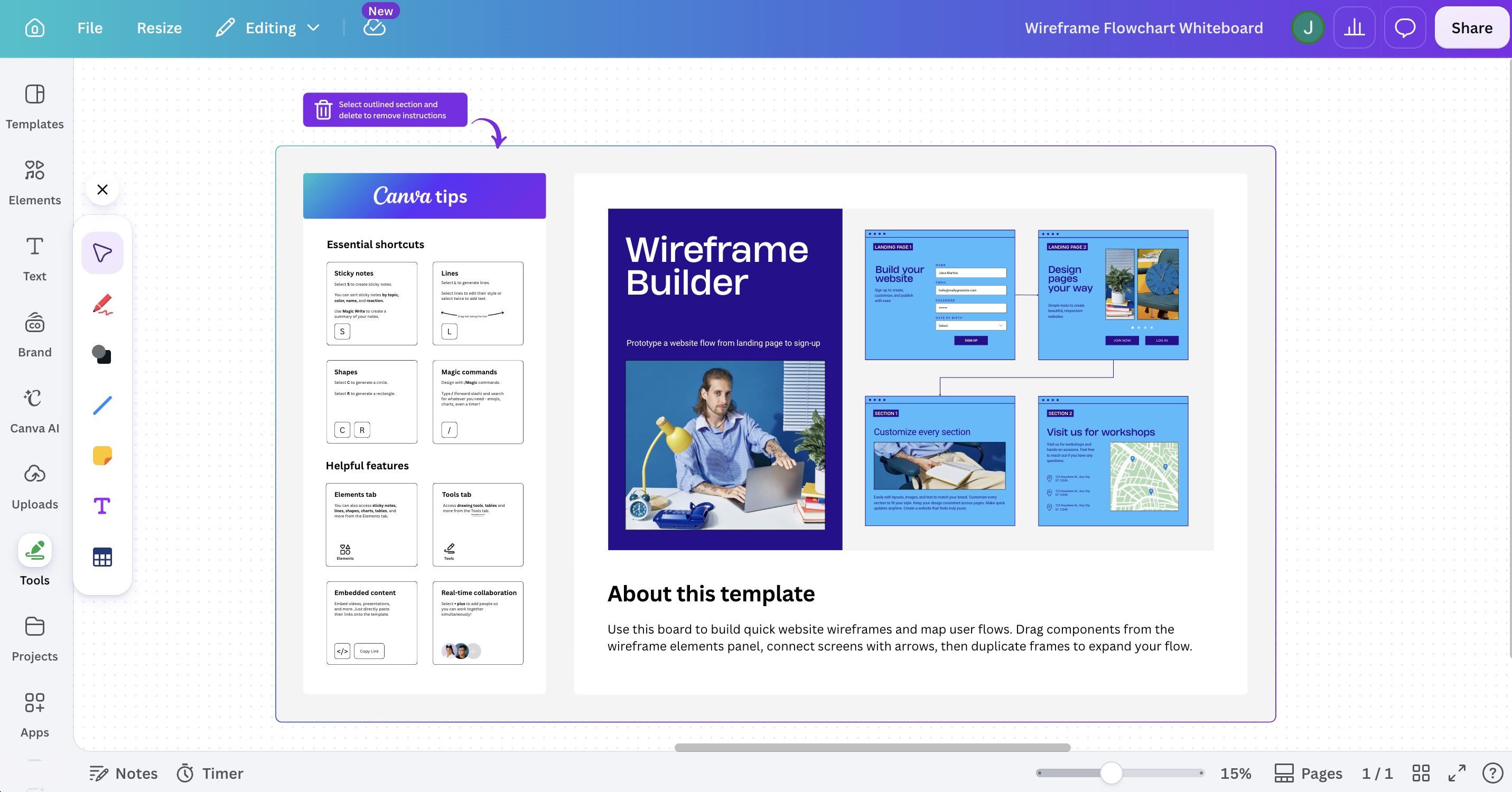
Canva has become a legitimate wireframing option for people who are not designers. It has wireframe templates, a drag-and-drop interface that anyone can pick up in under an hour, and real-time collaboration that works well. For the website managers and internal communications teams who make up a significant part of the Concrete community, Canva is often the right call. It is the tool that actually gets used because people are not intimidated by it.
- Drag-and-drop wireframe builder with minimal learning curve
- Two million-plus templates including wireframe starting points
- Real-time collaboration with no account required for reviewers
- Whiteboard mode for early-stage brainstorming
- 300-plus integrations including Slack, Teams, and Google Workspace
Free plan available, Pro is $120/yr at canva.com.
Penpot
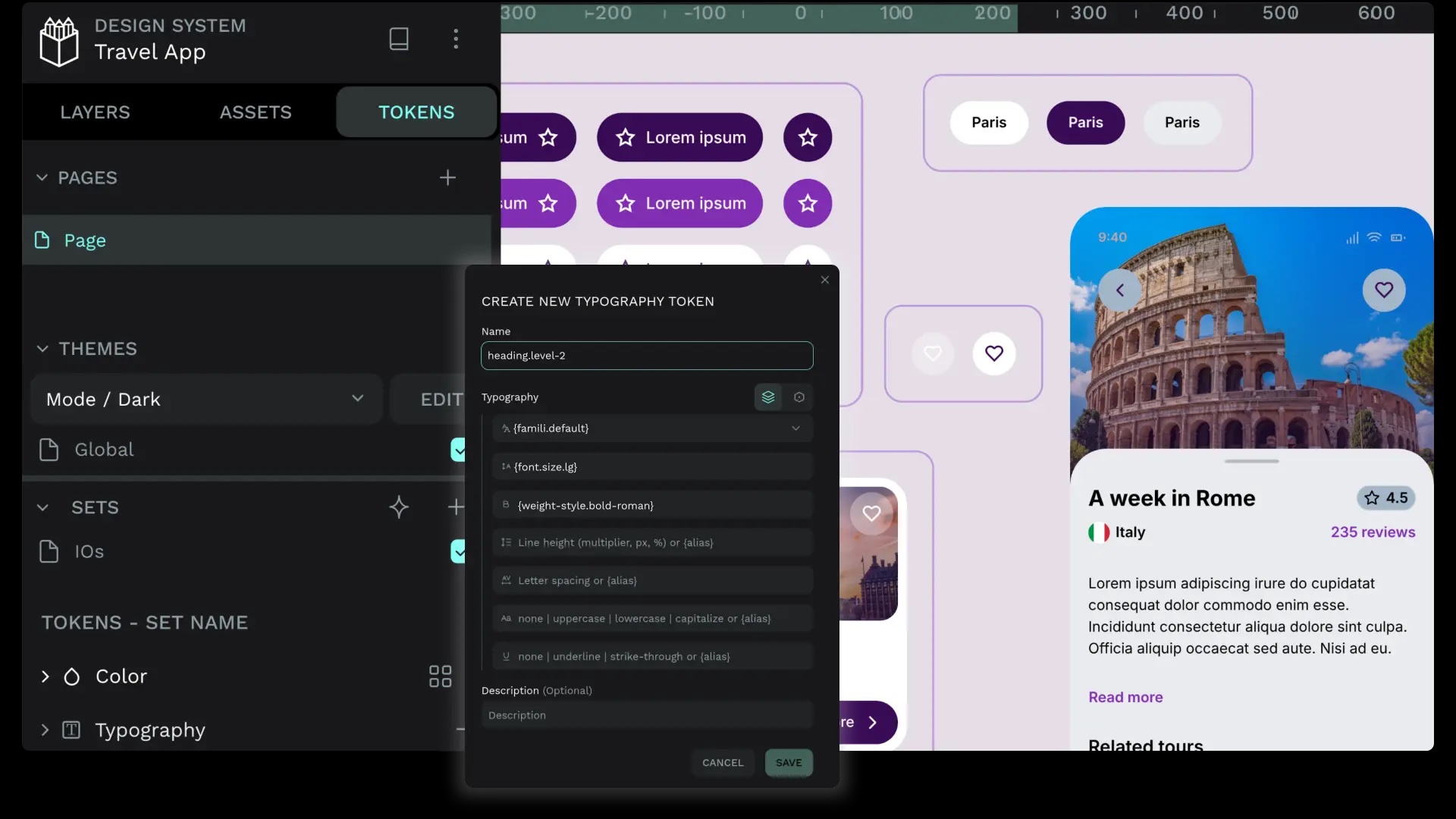
Penpot is the open source answer to Figma. It is web-based, self-hostable, supports real-time collaboration, and covers both wireframing and high-fidelity design work. For teams running Concrete on their own infrastructure because they want full control over their stack, Penpot is a philosophically consistent choice. Your design tool does not have to be a black box any more than your CMS does. It has been maturing quickly and is a genuinely capable option at this point, not a consolation prize for teams who cannot afford Figma.
- Full wireframing and high-fidelity design in one tool
- Self-hostable on your own infrastructure
- Real-time multiplayer collaboration with comments
- Component libraries and design tokens support
- Open source with an active development community
- Free cloud version at penpot.app with no subscription required
Free and open source, self-host or use penpot.app.
How to use these together
Most teams end up using more than one tool at different stages. A reasonable workflow for a Concrete project: start with Claude or ChatGPT to think through your page hierarchy, user goals, and content types. Move into Canva to make it visual enough to share with stakeholders. After the layout is agreed on, hand off to Figma or Penpot for the actual design work. By the time you open Concrete and start building pages, the decisions about structure, navigation, and content types should already be made.
The cleaner the structure going in, the cleaner the Concrete page hierarchy and permissions setup on the other end.
Schedule a demo to see what a well-structured site looks like before and after the build.
Wireframe UI kit reference: Website Wireframes UI Kit, Figma Community